
AI Meeting-to-Action Workflows: How Business Meetings Are Becoming Automated Tasks and Work Plans
Date: November 12, 2026
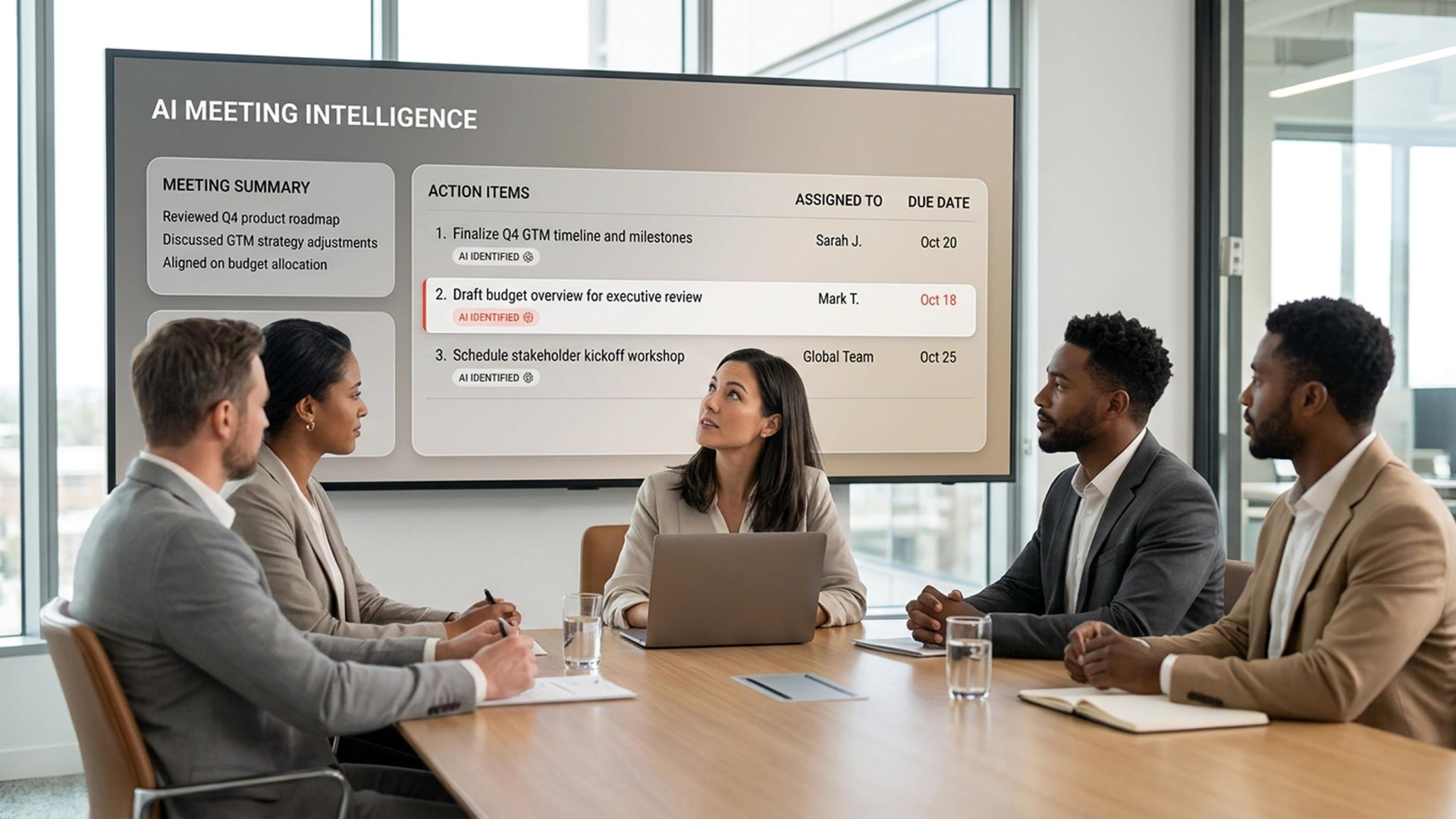
Business meetings generate decisions, ideas, deadlines, and responsibilities, but these elements do not always become completed work. After a meeting, teams may have different interpretations of what was agreed, who is responsible, and when the next step is due. AI Meeting-to-Action Workflows aim to close this gap by turning discussions into structured summaries, tasks, timelines, and follow-up plans.
Rather than acting only as a recording or transcription tool, an AI meeting assistant can follow a discussion, identify decisions, organise tasks, and prepare the materials a team needs after the call. Some systems can also retrieve information from connected workplace applications while the meeting is taking place. This creates a closer link between conversation and execution, while people remain responsible for reviewing and approving important decisions.
For businesses seeking to improve collaboration and operational efficiency, Soft & Solution Group recommends treating meeting automation as part of a wider workflow strategy. The goal is not simply to add another digital tool, but to ensure that agreed actions are clear, assigned, traceable, and connected to the systems employees already use.
What are AI Meeting-to-Action Workflows?
AI Meeting-to-Action Workflows combine meeting assistance with task and project coordination. An AI system can process a conversation, prepare a summary, distinguish decisions from open questions, and identify action items. Depending on the platform and its integrations, it may also suggest owners, due dates, project milestones, or follow-up messages.
The main difference from a traditional meeting summary is what happens next. A summary records what was discussed; an action-oriented workflow organises what needs to happen, who should do it, and how progress will be checked. Where integrations and permissions allow, this information can be transferred to project management tools, calendars, documents, or team communication platforms.
How is AI changing the way meetings are managed?
AI meeting assistants can join online meetings, follow the discussion, and create useful materials while the conversation is taking place. They may answer questions in the chat, retrieve information from connected workplace applications, draft a project plan, or create a timeline based on the group’s decisions.
A recent example is Claude Meetings, announced by Anthropic on November 10, 2026. The feature is designed to let Claude join online meetings, follow the conversation, draft plans and timelines, answer questions in chat, and use connected work applications to retrieve information. Launch coverage described an initial beta for Team and Enterprise customers through Google Meet, while Anthropic’s announcement listed the feature as coming soon. Businesses should therefore check availability in their own workspace before planning a rollout.
From discussion to tasks and work plans
An effective workflow starts before the meeting. The organiser defines the purpose, shares relevant documents, and identifies the decisions that need to be made. During the call, the assistant follows the discussion and organises key points into categories such as decisions, tasks, unresolved questions, risks, and deadlines. Participants can correct misunderstandings while the conversation is still fresh.
After the meeting, the system can create a structured record: a summary, an action list, suggested owners, target dates, and a work timeline. Where integrations are available, approved actions can be transferred to task managers or calendars. Human review remains important because AI can misinterpret a statement, assign a task to the wrong person, or record an idea as a confirmed decision.
Benefits for businesses and teams
The most immediate benefit is reduced administrative work. Employees spend less time writing minutes and manually copying decisions into different systems. Clear action lists improve accountability, make deadlines easier to track, and reduce the risk that important tasks are forgotten after a meeting.
These workflows can also support teams working across locations and time zones. People who could not attend can review the same summary and action list, while managers gain a clearer view of progress and outstanding decisions. When connected to company knowledge and approved applications, the assistant can help teams find relevant information without constantly switching between tools.
Risks, privacy, and human oversight
Meetings may contain confidential commercial information, employee details, customer data, or strategic decisions. Before enabling an AI assistant, organisations should understand what is recorded, where content is processed and stored, who can access it, how long it is retained, and how external participants are informed. Access permissions and administrative controls should be defined before deployment.
AI-generated notes and tasks are not automatically accurate. Speech recognition may get names or figures wrong, context may be misunderstood, and a preliminary suggestion may be recorded as a final decision. Businesses should establish a review process, ask meeting owners to approve important outputs, and avoid allowing AI to send messages or change business records without appropriate authorisation.
How can a company adopt this approach?
Start with meetings that have clear, repeatable outcomes, such as project updates, sales reviews, or operational planning. Define what the assistant should produce and which systems it may access. A pilot with a small team can measure time saved, the accuracy of action items, completion rates, and employee acceptance.
Next, establish guidelines for consent, confidential information, data retention, access permissions, and human approval. Connect the assistant only to the applications it needs and clarify responsibilities: AI can organise information and suggest next steps, but employees remain accountable for decisions and delivery. Review the results before extending the approach to other teams.
Conclusion: turning every meeting into forward progress
AI Meeting-to-Action Workflows are changing meetings from information-sharing sessions into more connected stages of business execution. By turning discussions into clear decisions, tasks, owners, and timelines, AI can reduce administrative effort and improve follow-through. The strongest results come when automation is combined with reliable integrations, privacy controls, and human review.
As Ermal Beqiri, founder of Soft & Solution Group, explains:
“The value of a business meeting is not measured by how much was discussed, but by how clearly the next steps are defined, assigned, and completed.”